
Look Outside Steam Guide: Updates, Features, and Tips
Explore Look Outside Steam features, requirements, difficulty modes, and the Final Vision update, with practical tips for surviving the apartment building.
Jump to

Is Look Outside Available on Steam?
Look Outside is available on Steam for Windows, with an apartment building full of neighbors transformed by a glance outside. The Look Outside Steam version combines turn-based combat, scavenging, and everyday routines during a disaster lasting 15 in-game days. Choosing when to explore, rest, or trust a stranger determines how much of that building—and its mysteries—you survive to discover.
Developed by Francis Coulombe and published by Devolver Digital, the game launched on March 21, 2025. You control Sam, whose apartment becomes a refuge between expeditions through increasingly impossible spaces.
The Steam version includes:
- Single-player gameplay.
- Steam Achievements, with 152 achievements to pursue.
- Steam Cloud.
- Family Sharing.
- English language support.
You can buy Look Outside on Steam. Check the purchase price there; the discount advertised alongside Final Vision belonged to that update’s promotion.
PC Requirements and Comfort Options
The minimum hardware requirements include 8 GB of RAM and 1 GB of available storage. Windows is the supported PC platform; there are no native Mac or Linux versions listed for this release.

| Component | Minimum requirement |
|---|---|
| Operating system | Windows 7 x64 |
| Processor | Intel Core i5-2500 / AMD Phenom II X4 965 |
| Memory | 8 GB RAM |
| Graphics | GeForce GTX 750 / Radeon RX 560X |
| Storage | 1 GB available space |
Version 2.3 added an option to disable animated tile effects. Turn those effects off if they cause lag or eye strain. An earlier update also added an option to silence the clock’s ticking, and a fullscreen toggle is available in the options menu.
Check the control configuration before committing to a run. Update 1.04 introduced a controller and keyboard configuration plugin, giving you more flexibility over your setup.
What Final Vision and Version 2.3 Changed
Final Vision arrived on October 28, 2025, as the free 2.0 update for existing owners. Version 2.3 followed on April 15, 2026, with redesigned encounters, broader balance changes, and fixes for progression blockers.

Final Vision expanded the game with new endings, monsters, quests, bosses, areas, and Cursed challenge mode. Returning players have additional routes and encounters to discover beyond the original release.
Version 2.3 made several changes that matter during ordinary play:
- More apartment dialogue: Sybil gained save conversations responding to additional events.
- Reworked battles: Mutt’s fight was redesigned, and several other encounters received adjustments.
- Clearer combat visuals: Swordmaster Comatus gained visual improvements to distinguish battle phases.
- Expanded equipment options: Some special weapons received new moves.
- Cooking fixes: Backing out after selecting the first ingredient now cancels cooking.
- Progression fixes: Specific softlocks involving the ground-floor puzzle, power outage, and an early baseball bat were addressed.
Combat advice from older builds also needs care. Version 2.3 changed enemy resistances, weapon durability behavior, ammunition use, and several companion abilities. Read your current skill and equipment descriptions before relying on an old combination.
The Indigo mask is one concrete example: version 2.3 limits its protection to four uses per day on Explorer, three on Survival, and two on Cursed. It fully heals its wearer when it breaks, then behaves as a broken mask after its charges are exhausted.
Choose Your Difficulty Around Saving and Exploration
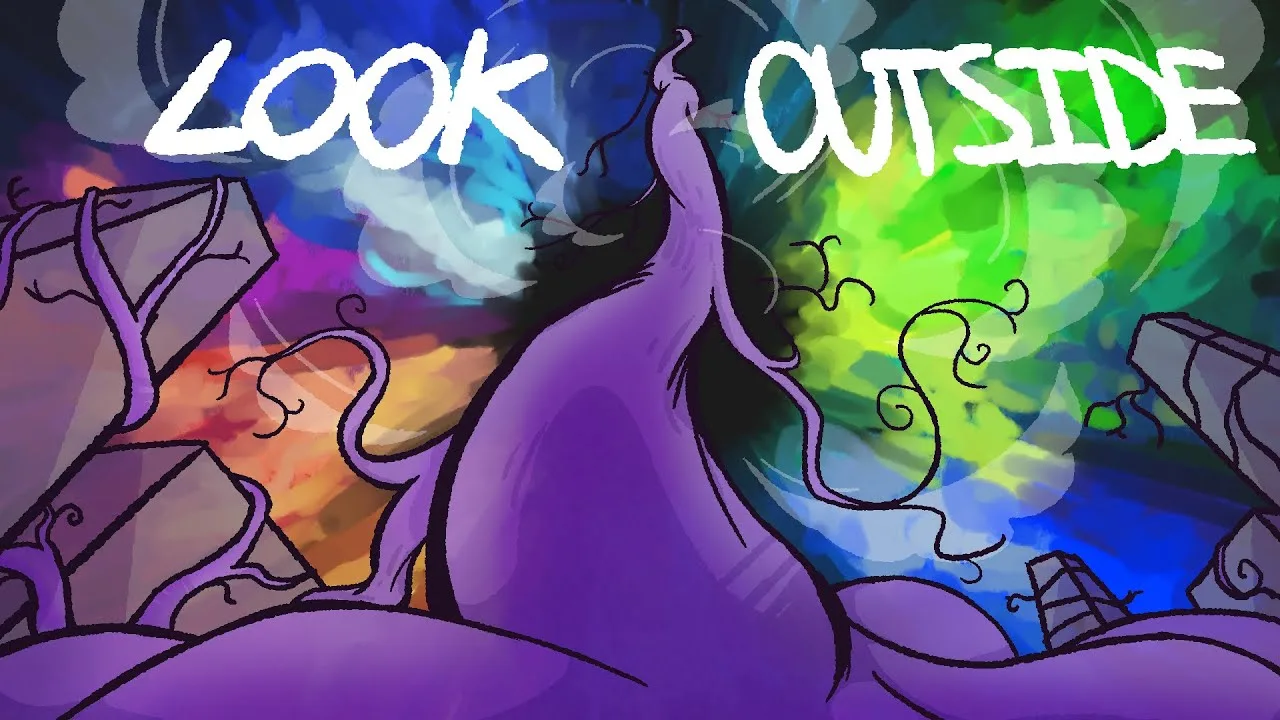
Explorer provides more resources, weaker enemies, and additional autosaves. Standard difficulty makes the return trip to Sam’s apartment—and the opportunity to save there—a more consequential part of exploration.
Explorer
Choose Explorer if you want more room to learn encounters and investigate characters. Its advantages include:
- Higher starting stats for Sam.
- Reduced health, attack, and defense for most enemies.
- More supplies throughout the building.
- Better escape chances.
- Autosaves when entering new rooms or defeating enemies.
Explorer still contains dangerous situations. Save when the game offers the opportunity, especially before following an unfamiliar route.
Standard Difficulty
On standard difficulty, building enough Danger during exploration lets you return home, speak with Sybil, and save.
Plan excursions around both supplies and the trip back. Pushing farther can earn more experience when you return, but it also exposes you to greater danger.
Cursed
Cursed changes encounters and parts of the building. Enemies can gain new behaviors, extra attacks, or additional phases. Saving through exploration requires reaching the second Danger notch.
Leave this mode for a run where you want to relearn familiar situations under harsher conditions.
Survival Tips for Your First Run
Prepare at Home Before Exploring
Cook, shower, check equipment, and review healing supplies before leaving. Hunger, hygiene, and Sam’s well-being affect the expedition ahead; the apartment’s routines are part of survival.
Time passes when you play the video games you collect. Plan those sessions around your remaining exploration time.
Balance Danger Against Your Remaining Supplies
Entering new rooms advances time and increases Danger. Returning home with sufficient Danger provides experience rewards and access to Sybil’s save interaction.
Turn back before your healing items and reliable weapons are exhausted. The reward for a longer expedition only helps if you survive the return.
Extended exploration without relaxation can also make Sam anxious and reduce experience gained from defeating enemies. Rest and recovery deserve space in your schedule.
Watch Range, Durability, and Enemy Tells
Combat accounts for the distance between your party and its opponents. Pay attention to weapon reach before choosing an attack, and carry replacement equipment for weapons that become damaged or break.
Powerful special moves can consume stamina, ammunition, or additional durability risk. Spend those resources deliberately rather than selecting the strongest move every turn.
Guard when an enemy telegraphs a heavy attack. Guarding reduces incoming damage by 50% for that turn, although disabling effects such as stun or paralysis can remove it.
Give Escape More Than One Chance
Explorer offers better escape chances and larger increases after failed attempts. If a fight is clearly beyond your party, keep pursuing an exit while using your remaining actions to survive.
Do not assume the first failed attempt means escape is impossible.
Talk Before Attacking
Some transformed residents can trade, offer quests, or become companions. Their appearance alone does not tell you whether they are hostile.
Explore dialogue options before starting a fight. Recruiting allies gives you additional actions and abilities, while helping residents can open opportunities beyond combat.
Keep Notes Between Sessions
Write down locked doors, unfinished requests, distinctive landmarks, and routes back to Sam’s apartment. The building includes deliberately disorienting spaces, and a short note can save considerable backtracking after a break.
Steam Achievements: Early Milestones and Longer Goals
Look Outside has 152 Steam achievements. Exploring has a 94.5% global unlock rate, while Completionist—finding every game cartridge—sits at 2.1%.
Several visible achievements provide useful milestones without revealing major story outcomes:
| Achievement | How to unlock | Global unlock rate |
|---|---|---|
| Exploring | Step out of your home | 94.5% |
| Down the stairs | Reach the second floor | 84.1% |
| Labyrinth | Reach the first floor | 72.4% |
| Terra Firma | Reach the ground floor | 44.6% |
| Game Collector | Find 10 game cartridges | 30.8% |
| Shortcut | Fix the Elevator | 30% |
| Completionist | Find all game cartridges | 2.1% |
Use these as goals rather than a strict itinerary. The limit of 15 in-game days and branching decisions make multiple playthroughs useful for exploring different outcomes.
Challenge runs need separate planning. Version 2.3 changed Loner eligibility: recruiting someone at any point disqualifies the run. Dismissing companions later does not restore eligibility.
Using Steam’s Community Features Without Spoiling Your Run
Start with beginner-focused help when you need a nudge. Steam’s community guides include introductions aimed at building an early party.
Search for the specific obstacle you have reached. Broad ending guides and achievement discussions can reveal consequences well beyond your current floor.
For technical problems, use the dedicated Bug and Technical Issues forum. Include the build number shown on the title screen, your difficulty, the location, and the actions immediately preceding the problem. Describe whether it happened during exploration, dialogue, or combat so the sequence is easier to reproduce.
The public beta branch introduced in update 1.04 is intended for testing changes before their regular release. Keep a normal playthrough on the standard branch unless you specifically want to help test less stable builds.
Continue exploring
Look Outside Lyle Guide: Kisses, Recruitment & Secrets
Meet Look Outside Lyle, learn how kisses and recruitment work, explore Mazes and Wizards, and prepare for his photo trap, boss fight, and darkroom secrets.
Look Outside Guide: Survival, Combat, and Early Tips
Use this Look Outside guide to plan supply runs, manage weapons, recruit allies, and understand version 2.3 changes before your trip through the building.
Join the community
Official channels for news, updates and player help: